
Tag: anime


To recover is to bravely leave the safe-but-stifling for the freeing-but-frightening, and find yourself

The final heart shard was shaped like a pair of fluttering wings.
Wings for the people who had spent a comfortable time inside the story to leave the nest with…
Wings for the prince to return to himself with.
Princess Tutu Akt 25
Breaking free from a narrative imposed on you (although not quite so literally as the literary characters turned real, but still bound by a dead author hellbent on a tragic ending, as in Princess Tutu), by others, or eventually your own mind, in their absence… I think the relief is the same, when you finally return to yourself.
When unhealthy manners of thinking become familiar, although they’re restricting, they become difficult to break out of, so recovering seems frightening—it’s undeniably difficult, at times, and painful—but it’s freeing to finally leave the nest.


If Pokemon trainers gave their Pokemon cutesy or ill-fitting nicknames like a lot of real world kids would do.
Snowflake’s a cute name for a Cubchoo, but…
How to run shimeji!
So, if you’ve been getting that dreaded Java 6 error, here’s how to get past it! You’ll need to download shimejiee–it’s shimeji, but updated a little and in English!
http://kilkakon.com/shimeji/index.php
For my example, I’m going to be using Snivy-Tsutarja by Reshidove on deviantArt.
Once you download that and downloaded your sadly non-functional shimeji, here’s how to get your little desktop cutie back up and running!
You extract shimeji-ee, find the img folder, and open that…
Make a new folder inside it, you’ll find folders like [shimeji] with the default white blobby shimeji, make your own for your character, Tsutarja in this case!

What you’re going to do is basically move the contents (only the actual images, not the folder!) from the img folder of your sad Shimeji, and drop them into your new folder!
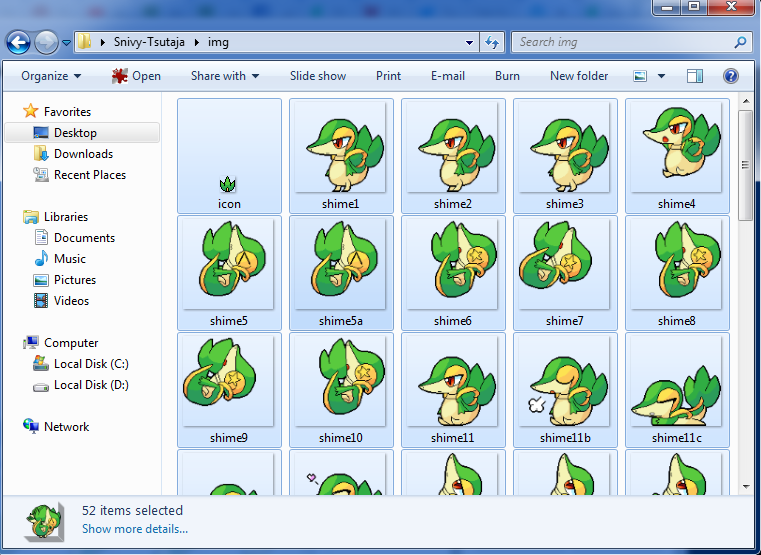
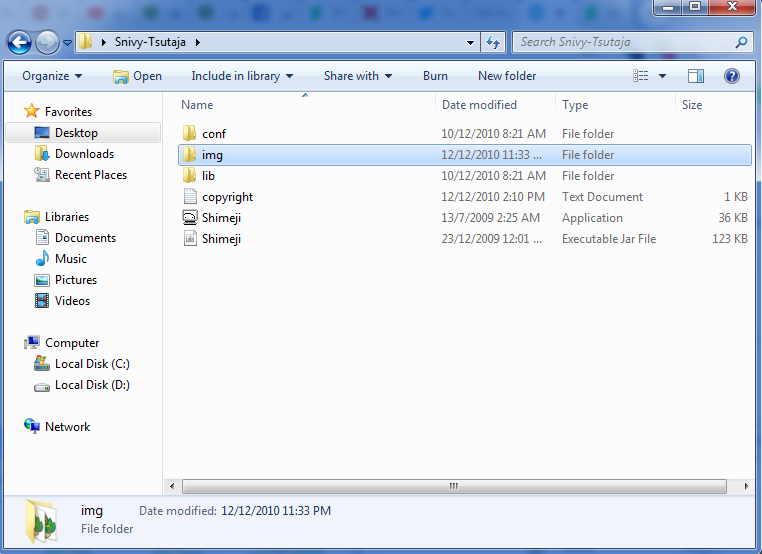
Then, you run shimeji-ee and right-click the icon to see the settings.

Click “Settings”!

Select “Choose Shimeji…”
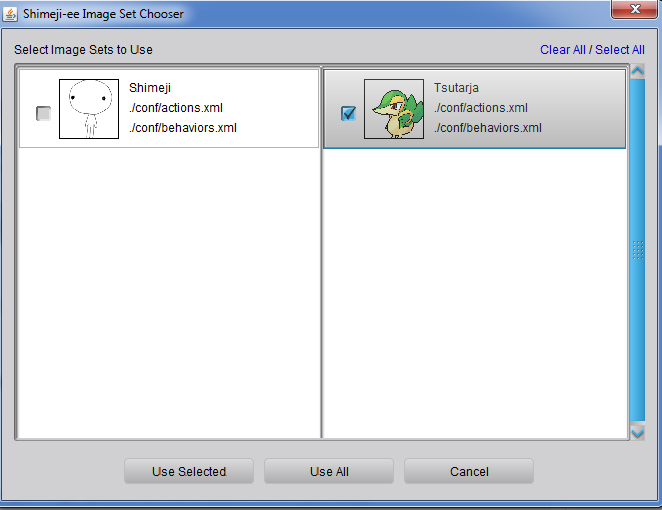
It’s here!!! Select your image set (named the same name as the file you copied the images to, “Tsutarja” in our example!). Tick the box, then click “Use Selected.” Untick the default shimeji if you don’t want it around… ^^;;
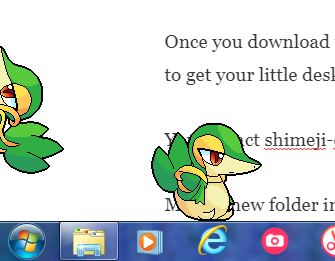
And that’s it! Watch your shimeji, swing them into the air, toss them at the sides of your computer screen to watch them climb, or just let them roam around and do their own thing… or right-click the taskbar icon to control their behaviour more!
Enjoy.
 between childlike whimsy and lady-like aspirations